

TourBox Elite Plus Review: Bringing the Analog Feel Back to Digital Editing
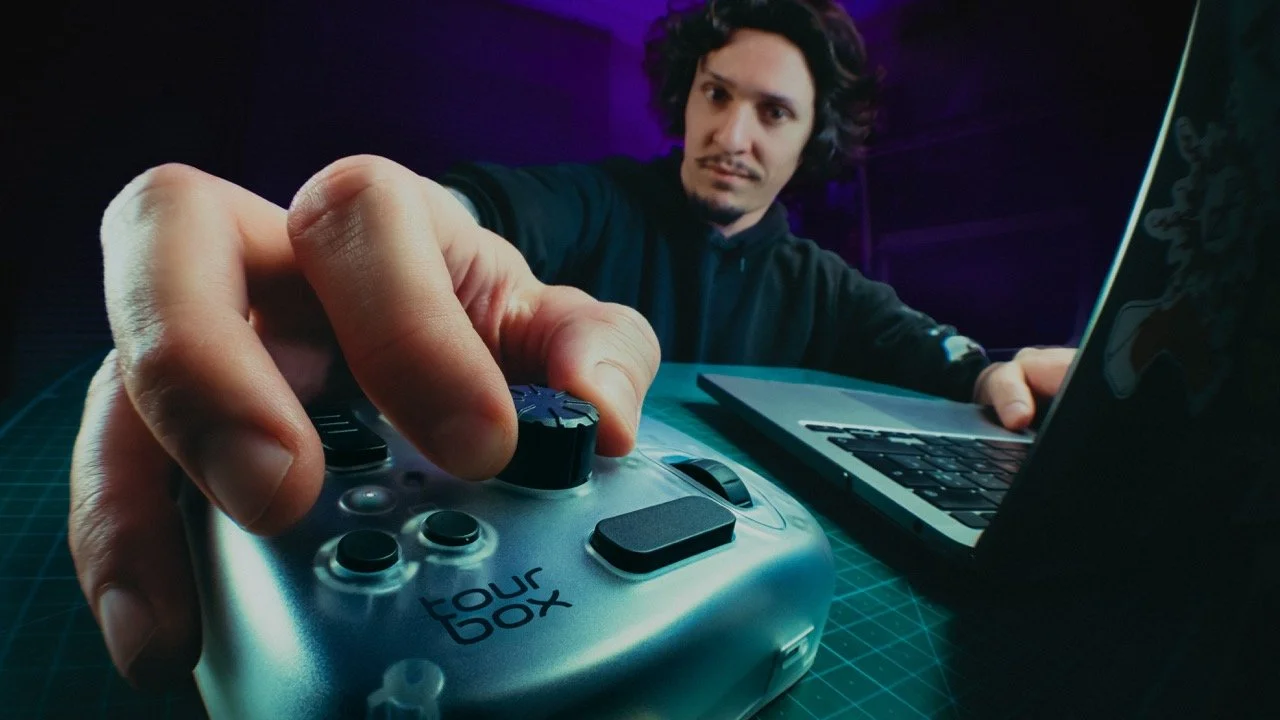
What is the TourBox Elite Plus?
Put simply, the TourBox Elite Plus is a Bluetooth editing console designed specifically for creative professionals like photographers, video editors, and digital illustrators (and more). It serves as an extension of your keyboard, taking the complex shortcuts, macros, and sliders you use every day and mapping them onto physical buttons, knobs, and dials. The goal is to let you edit without looking down at your hands, keeping your eyes fixed on your work.
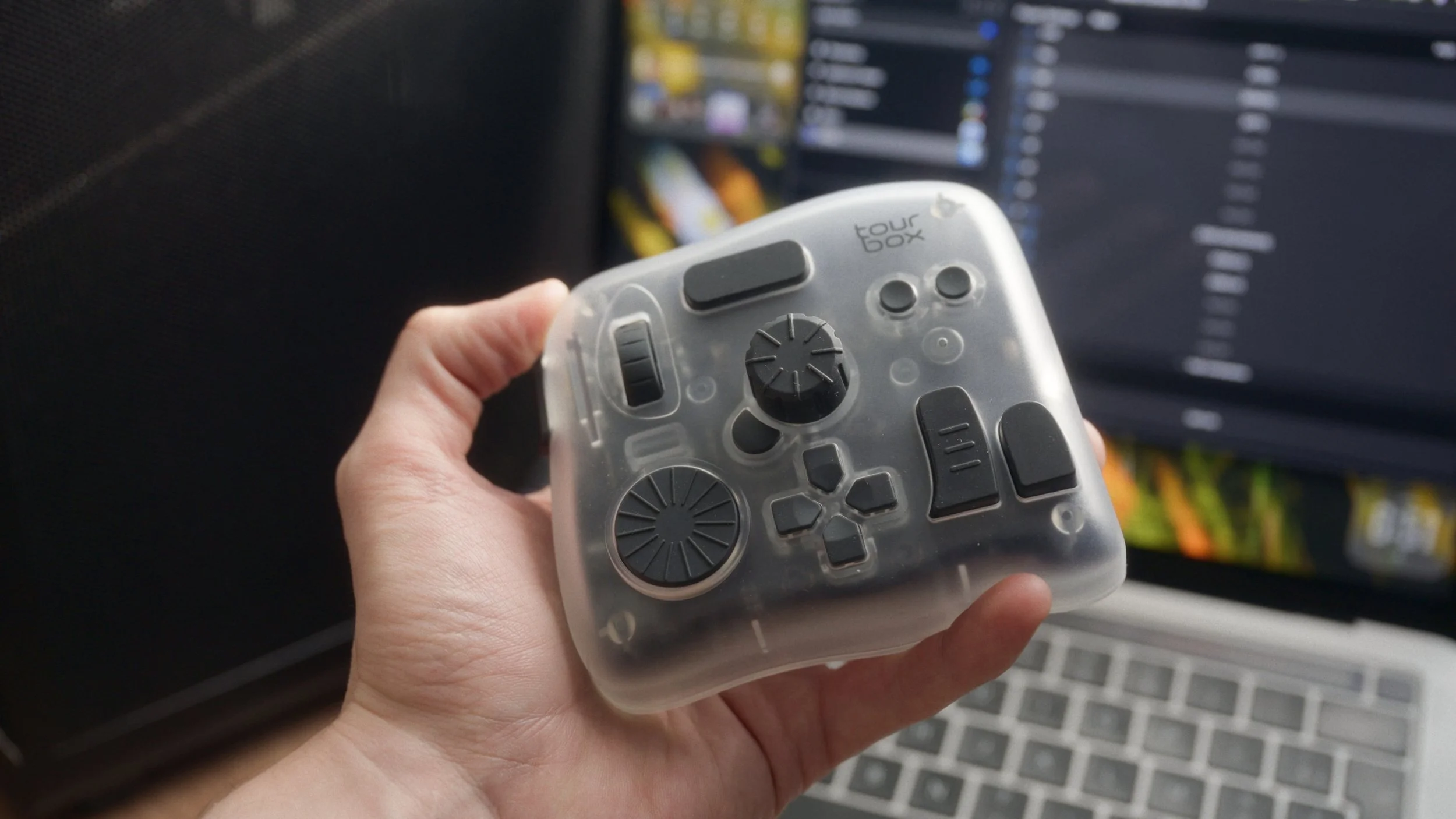
The Problem with Sliders
Something I have always hated about Lightroom is the tedious, almost mechanical process of going through each setting individually. Trying to be precise using small on-screen sliders with a mouse is simply not ergonomic; it feels disconnected, clinical, and quite frankly. This is exactly where the TourBox Elite Plus comes in.
Think of this device as a powerful extension of your keyboard that completely transforms your workflow. It allows you to map shortcuts or macros into very satisfying, physical buttons for almost any software you use. For me, it acts as an ergonomic shift that significantly speeds up my daily editing process, making it feel less like computer work and more like a hands-on craft.
My Lightroom Workflow: The Dynamic Panel
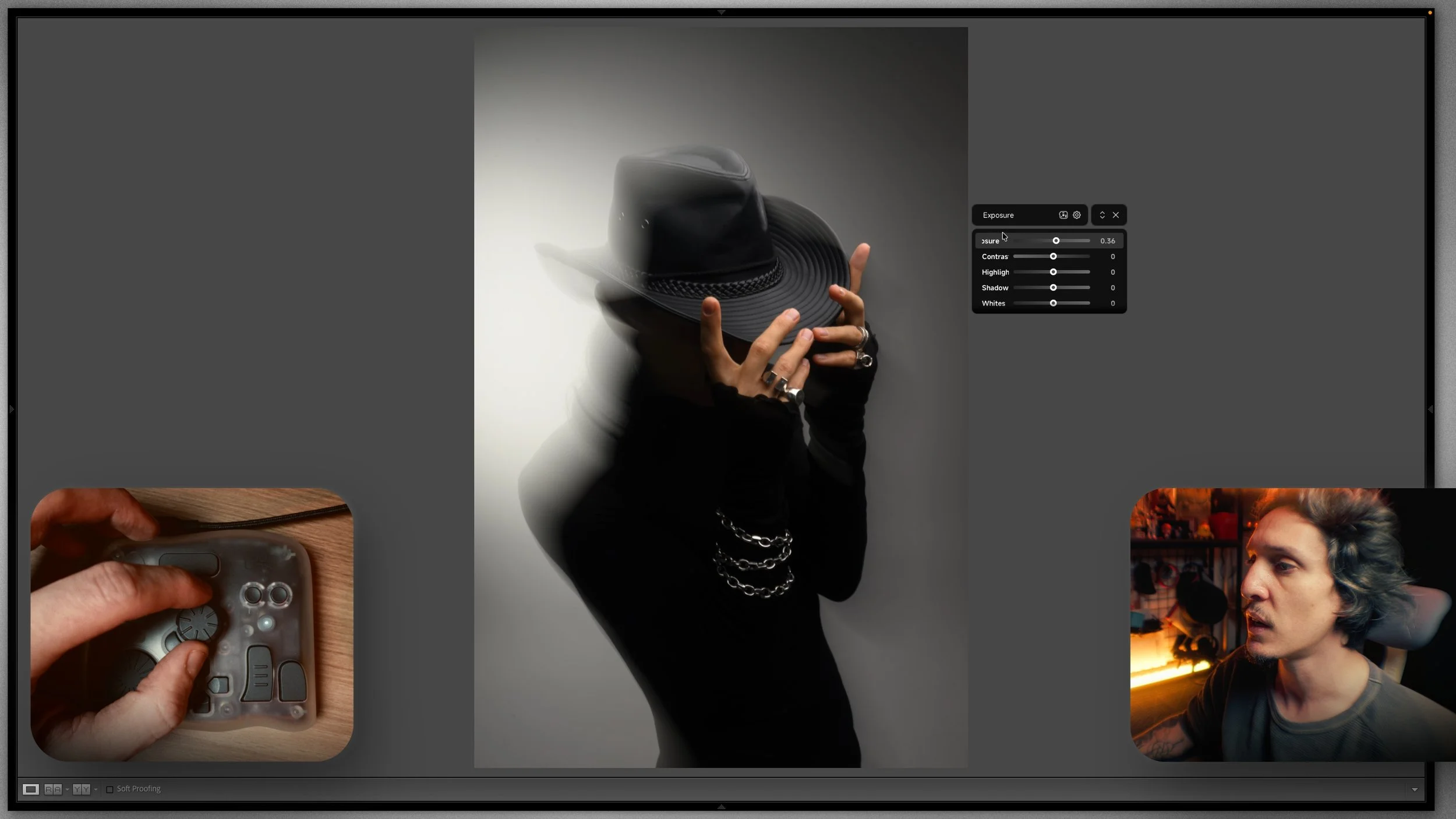
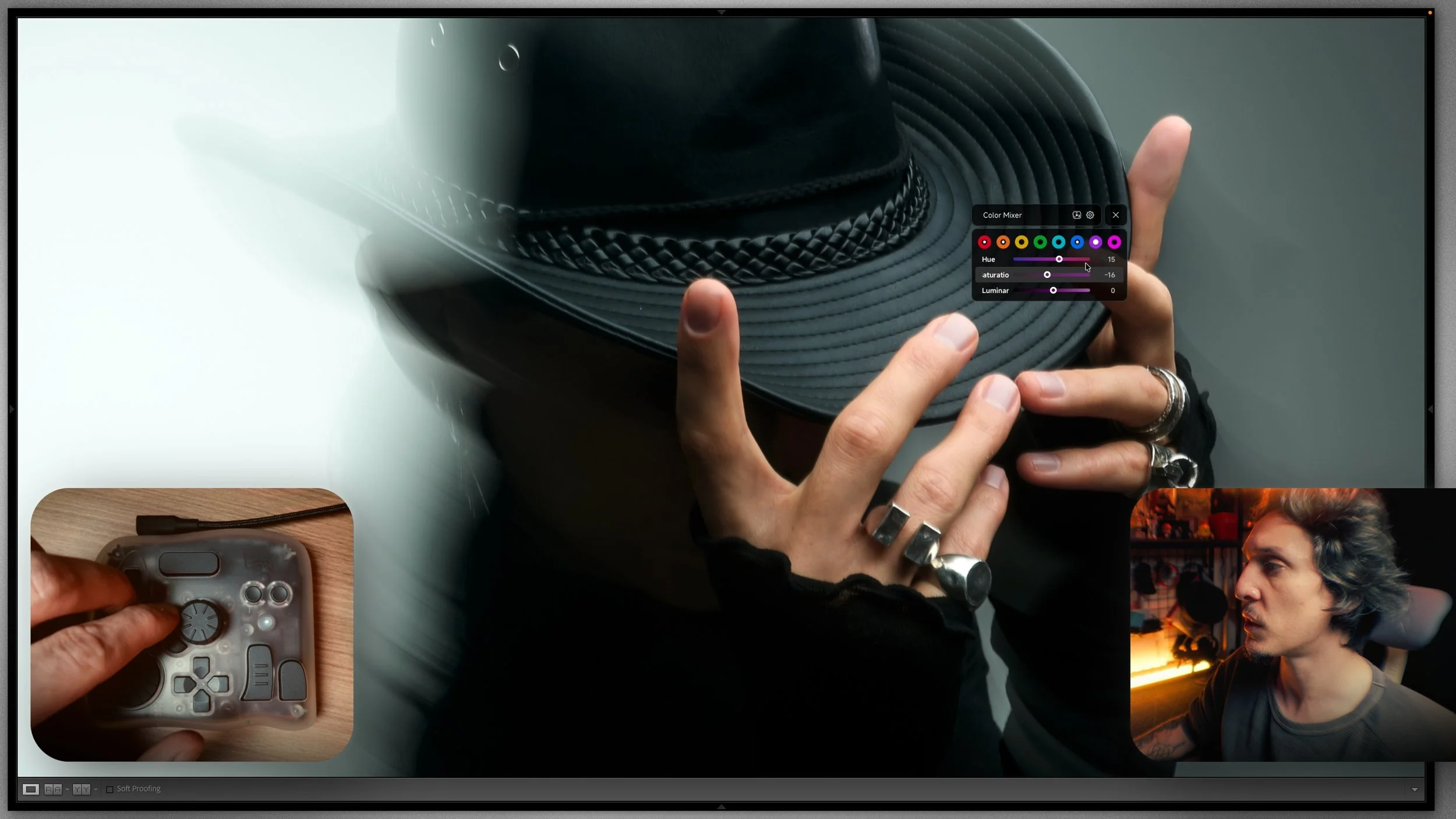
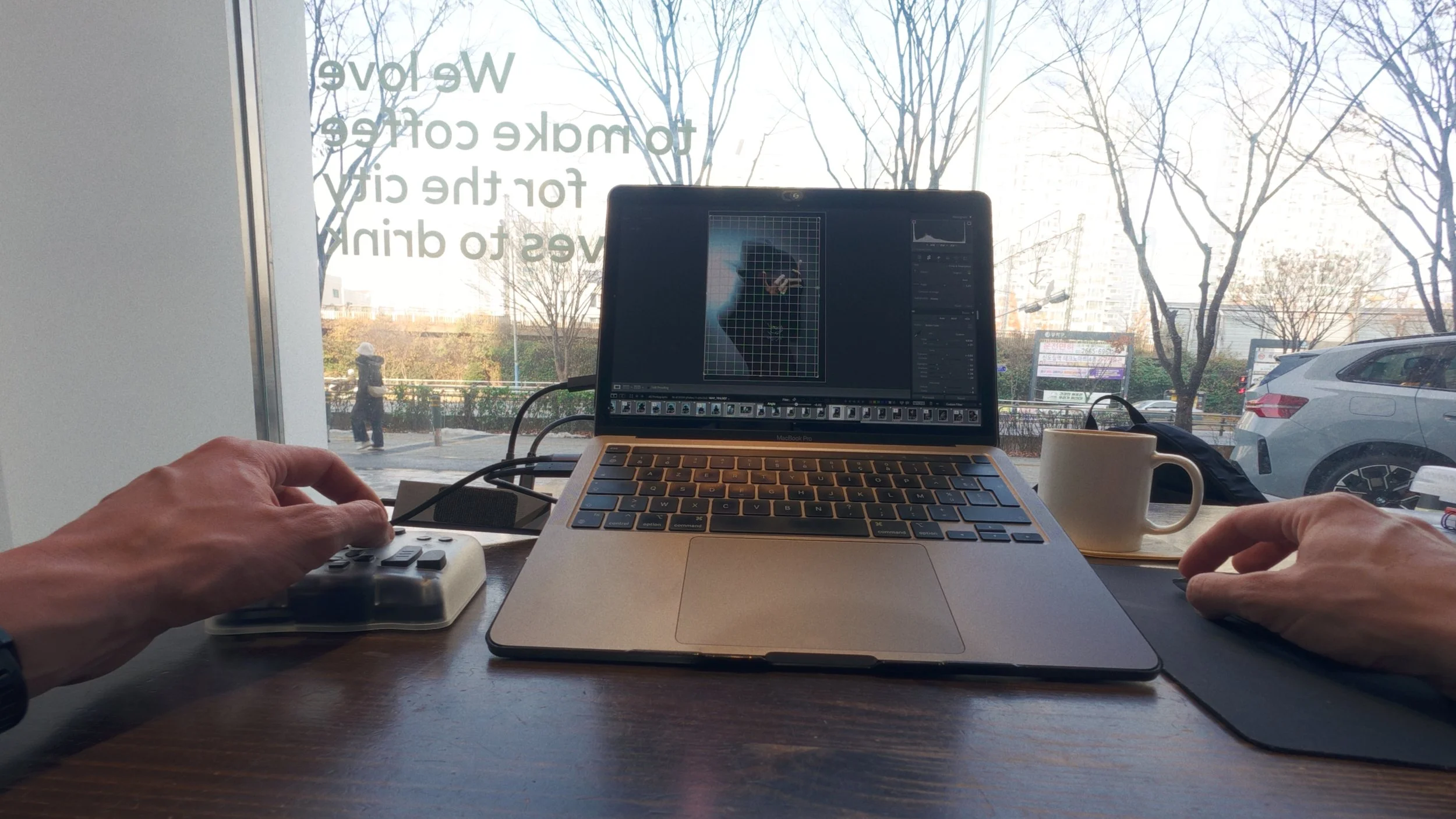
I focus mostly on Lightroom Classic because this is where I spend about 80% of my editing time. The TourBox shines here particularly because of its seamless integration with dynamic panels. This feature allows you to hide the cluttered side panels on your screen and work fully on your picture, meaning you never have to look away from your art to hunt for a tiny setting.
I have customized the setup to fit my specific style perfectly. The software is straightforward, so I mapped the D-pad to 3 diffferent needs:
D-pad: This controls Exposure general setting, the commun ones that I need for quick editing (exposure, WB, calibration, textures/saturation).
Side + D-pad: This is set to the extra settings that I need to get deeper into the editing like color tones, split toning, grain, angle.
Top + D-pad: This opens my local editing for radial filter, brush etc.
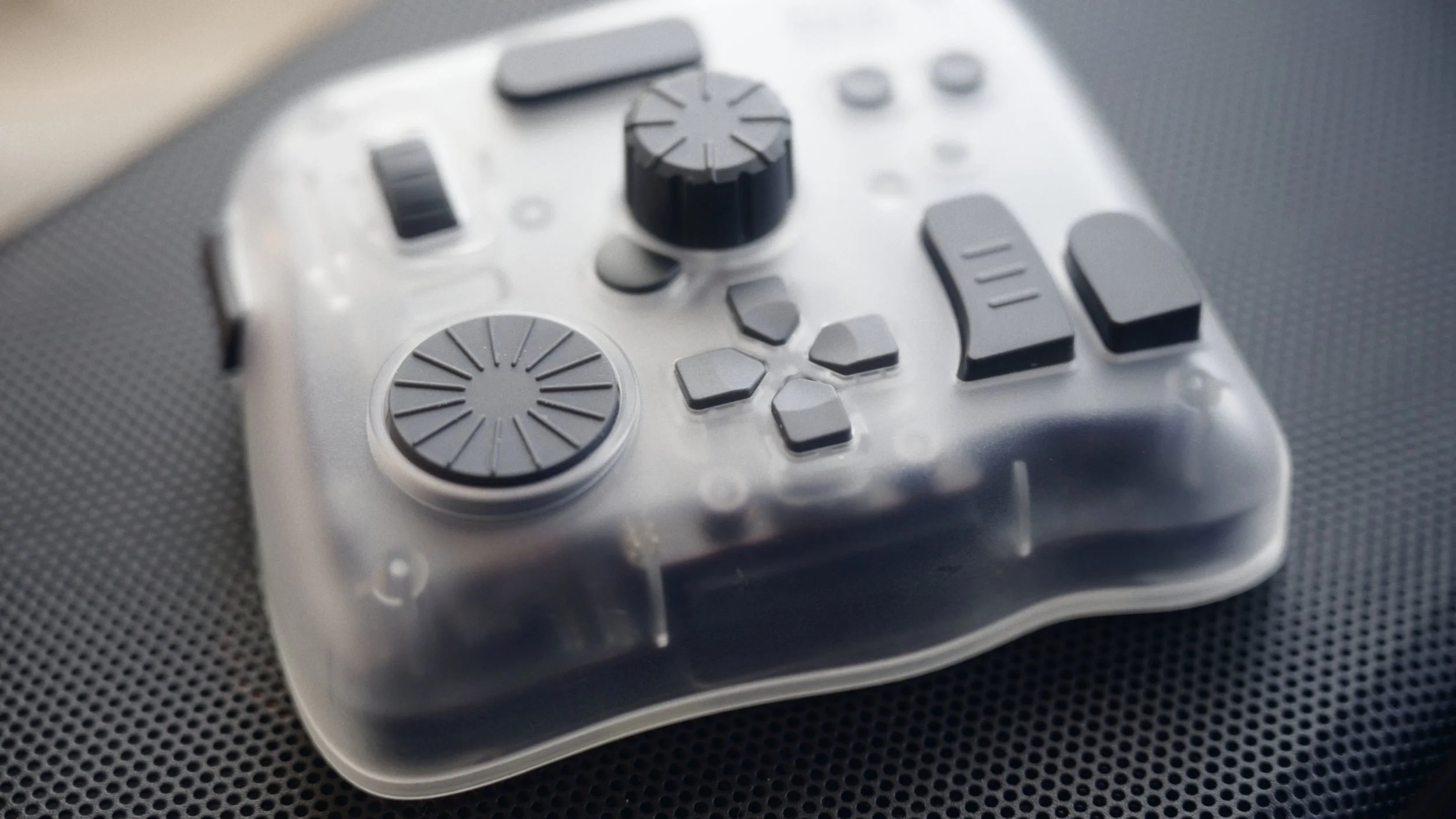
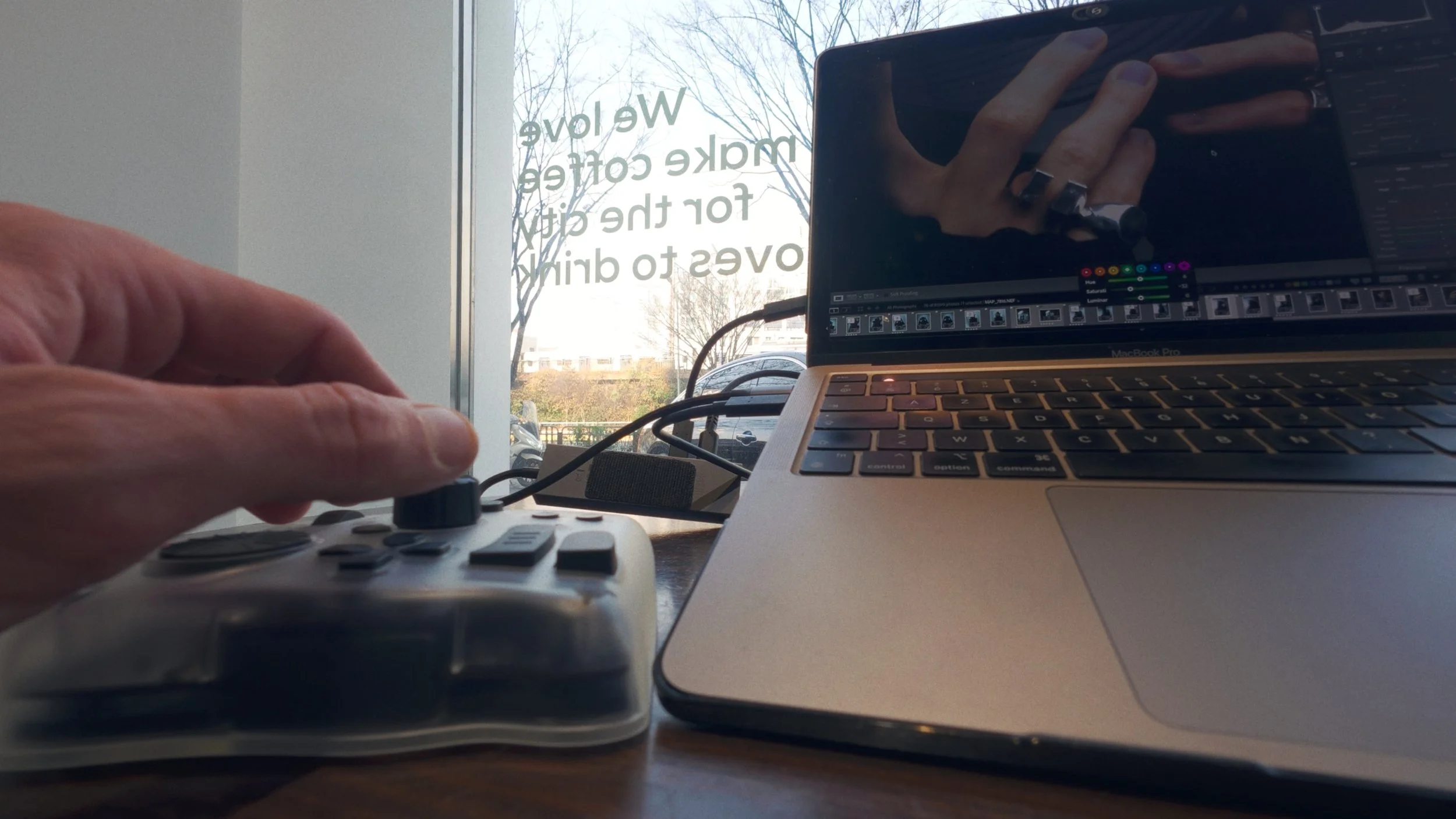
This setup allows for a highly efficient "hybrid" workflow. If I don't want to use the buttons to navigate, I can simply point with my mouse to a specific color—like the orange saturation—and use the TourBox dial to adjust it instantly on the fly. It is vastly faster and more intuitive than clicking and dragging a virtual slider.
Culling and Library Management
The device is smart; it recognizes when I switch from the Develop tab to the Library tab and automatically changes the shortcuts to match the context. I can move through my catalog, flag the photos I want to keep, reject the bad ones, or apply star ratings without ever touching my keyboard. Sorting through hundreds of images becomes very easy and fast.
The "Analog" Connection: Why Haptics Matter
This was the biggest surprise for me, and honestly, the main reason I am writing this blog post. I hesitated to get a controller for a long time because I didn't want another plastic device cluttering my desk. But the "analog" feedback of the TourBox Elite Plus completely changed my mind.
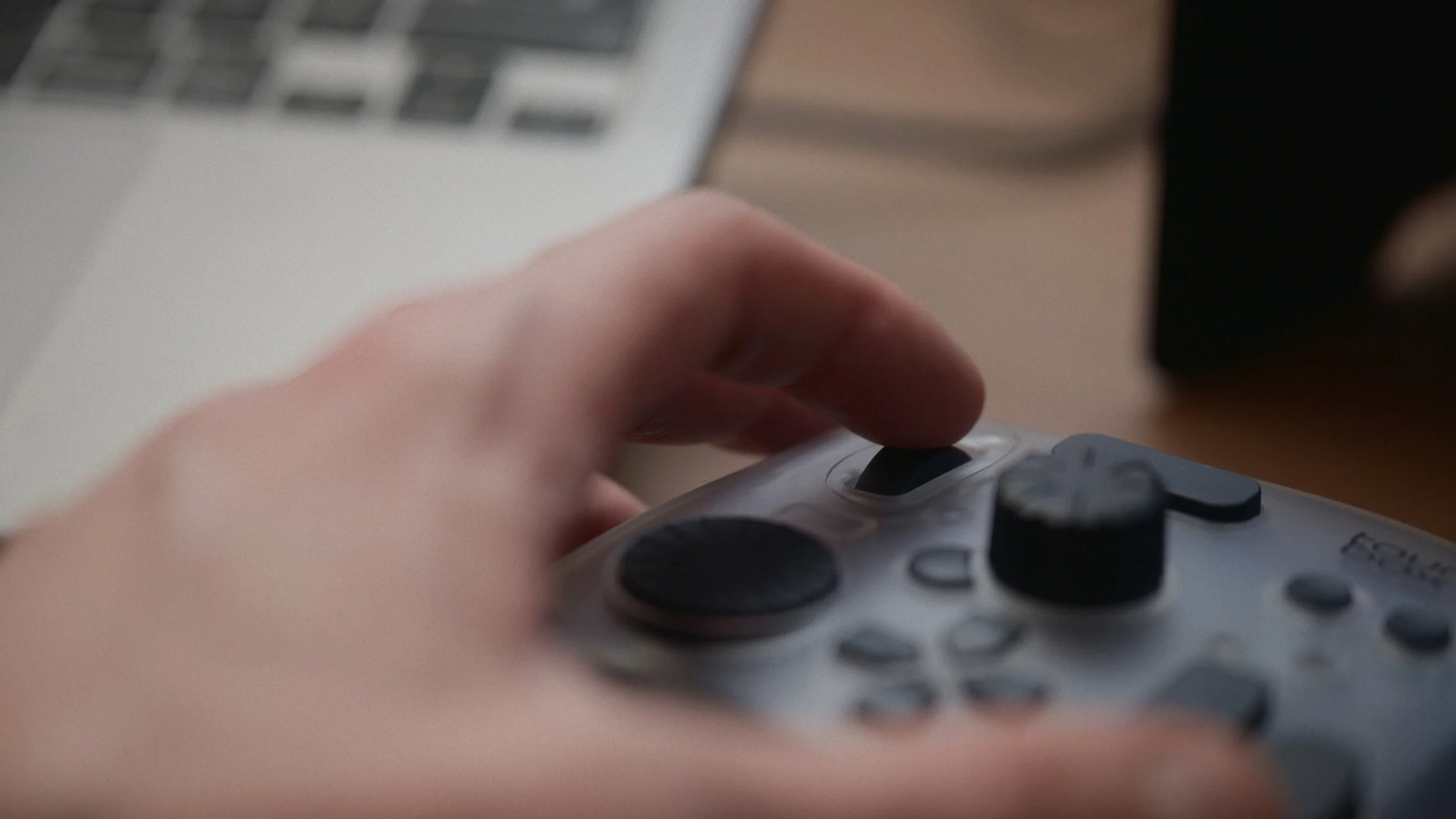
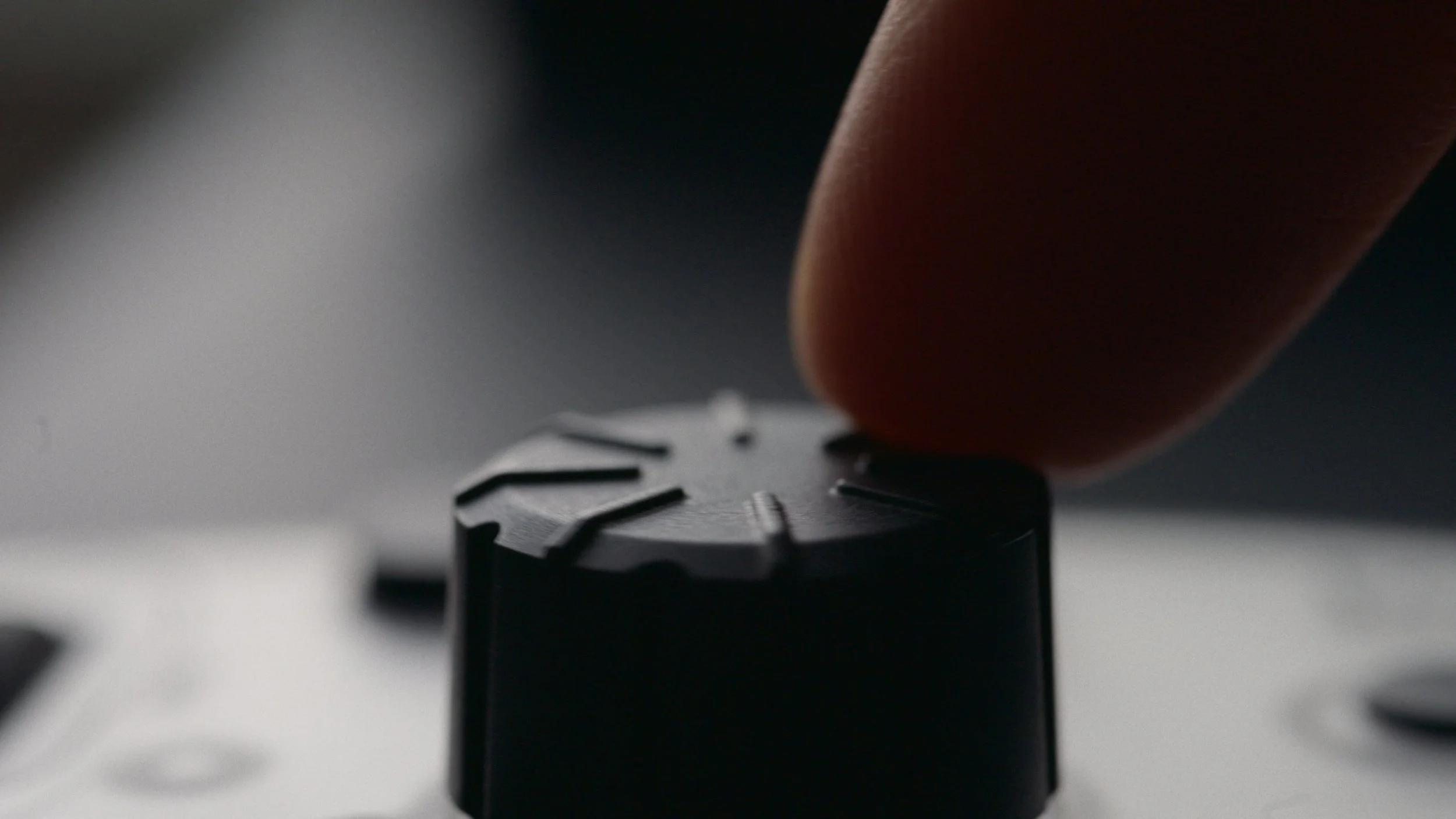
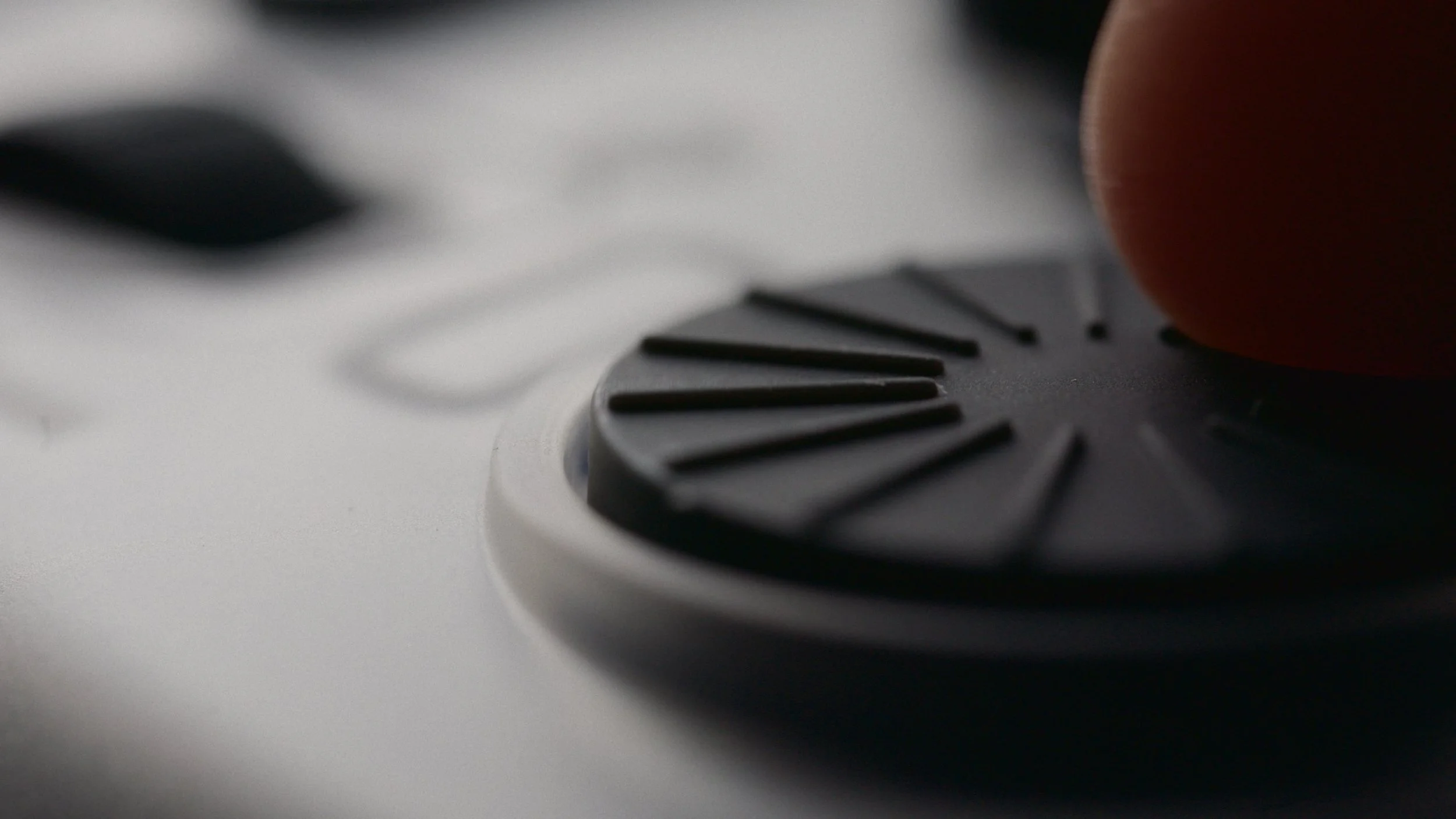
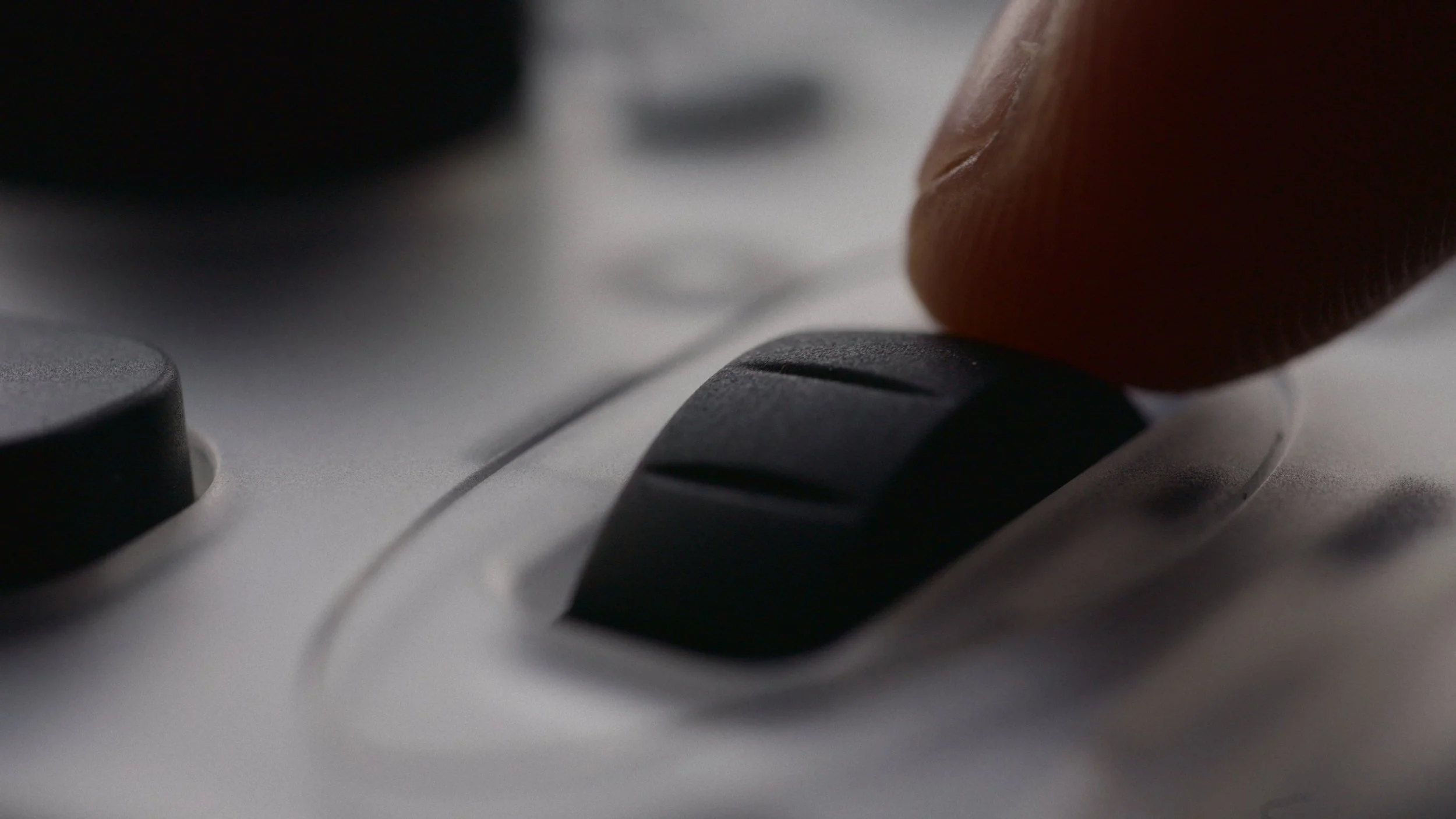
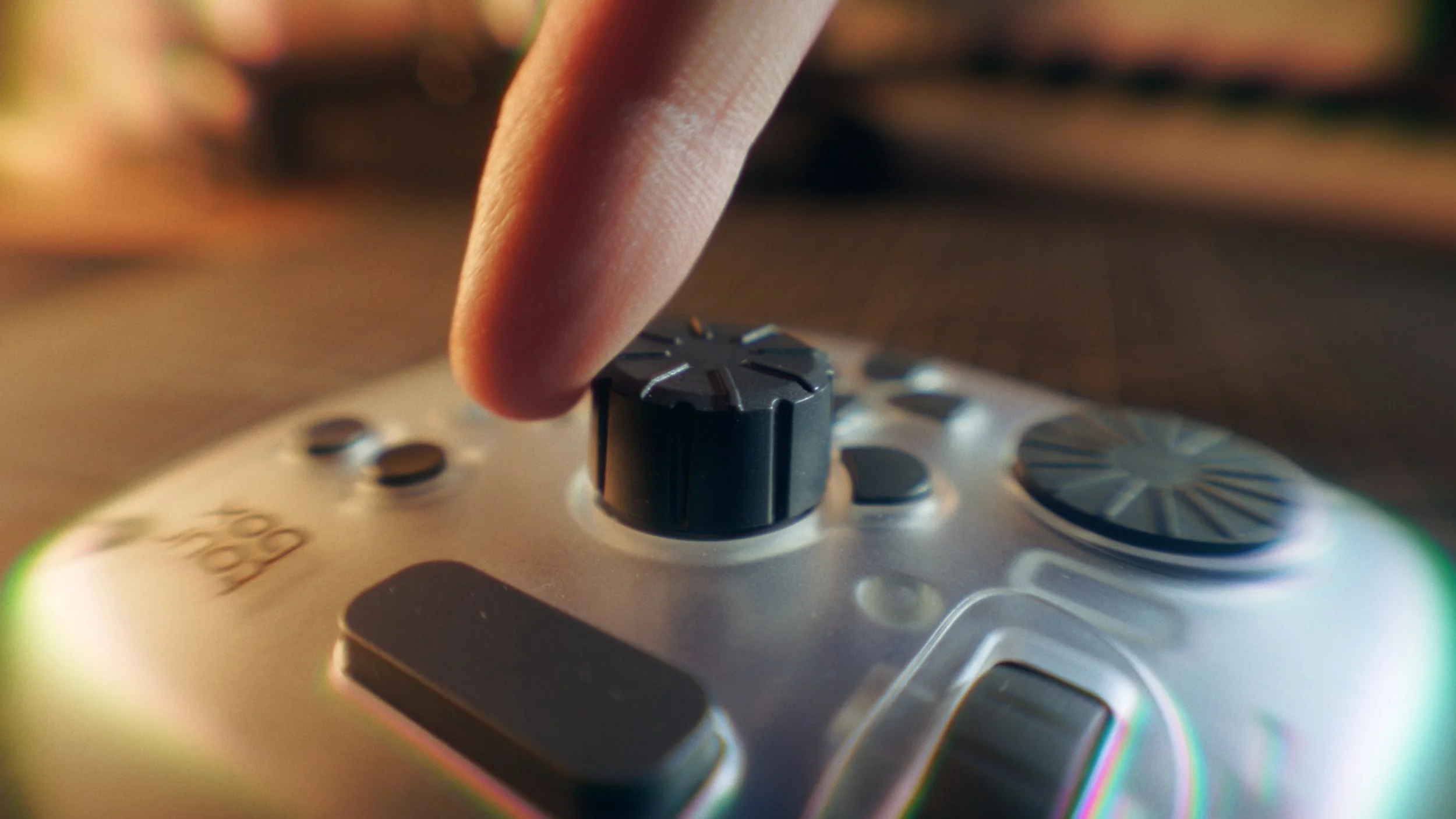
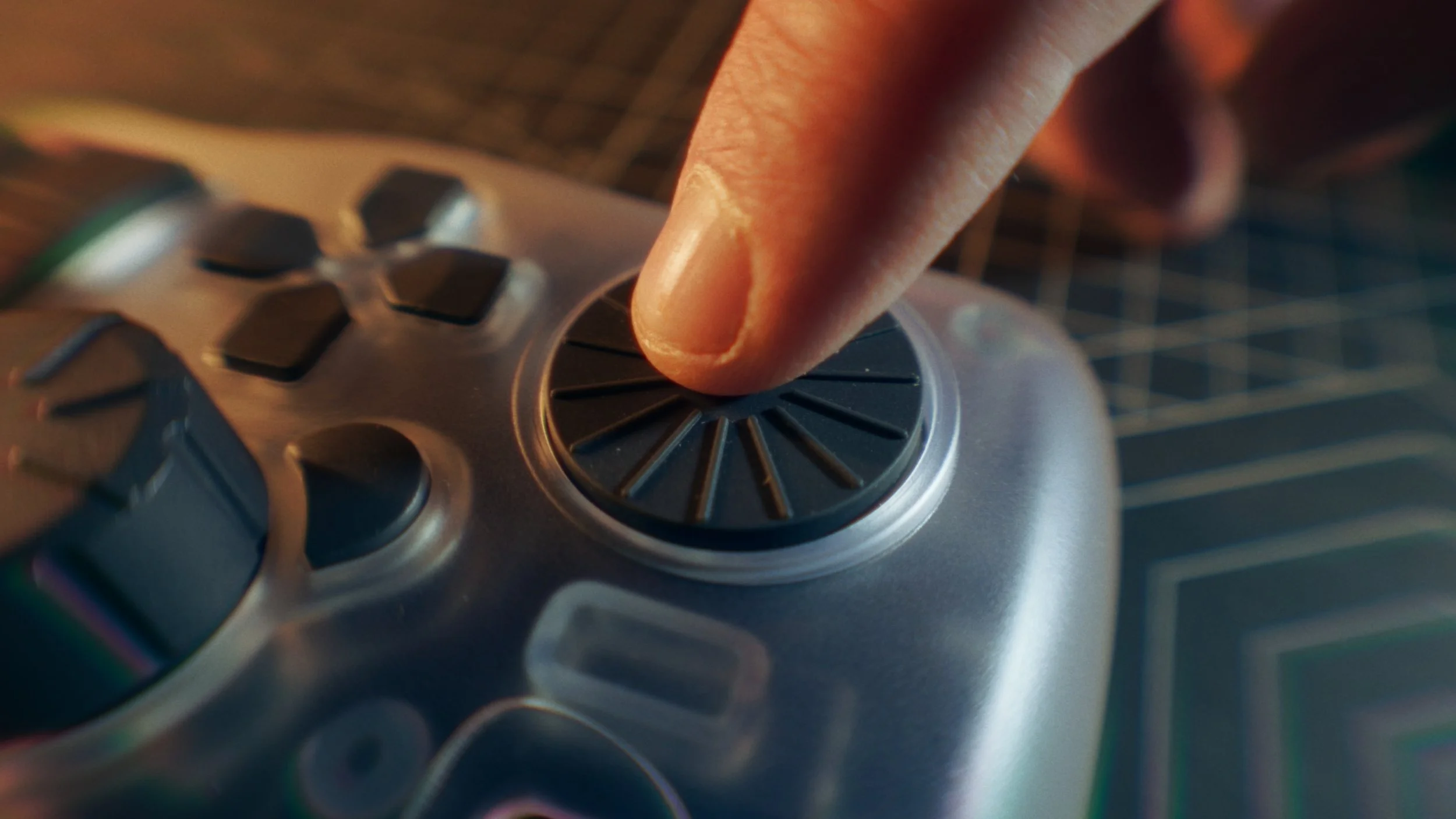
When you use the haptic feedback settings, you feel every single increment through your fingertips. It feels like you are physically touching and modifying the picture with your hand, rather than just operating a piece of software. There is a deep sense of control that you just do not get with a mouse and keyboard. Because there is absolutely zero latency, the changes happen instantly on your screen, reinforcing that physical connection to the image. It reminds me of using a real camera or analog gear—it brings a "heartbeat" back to the digital process.
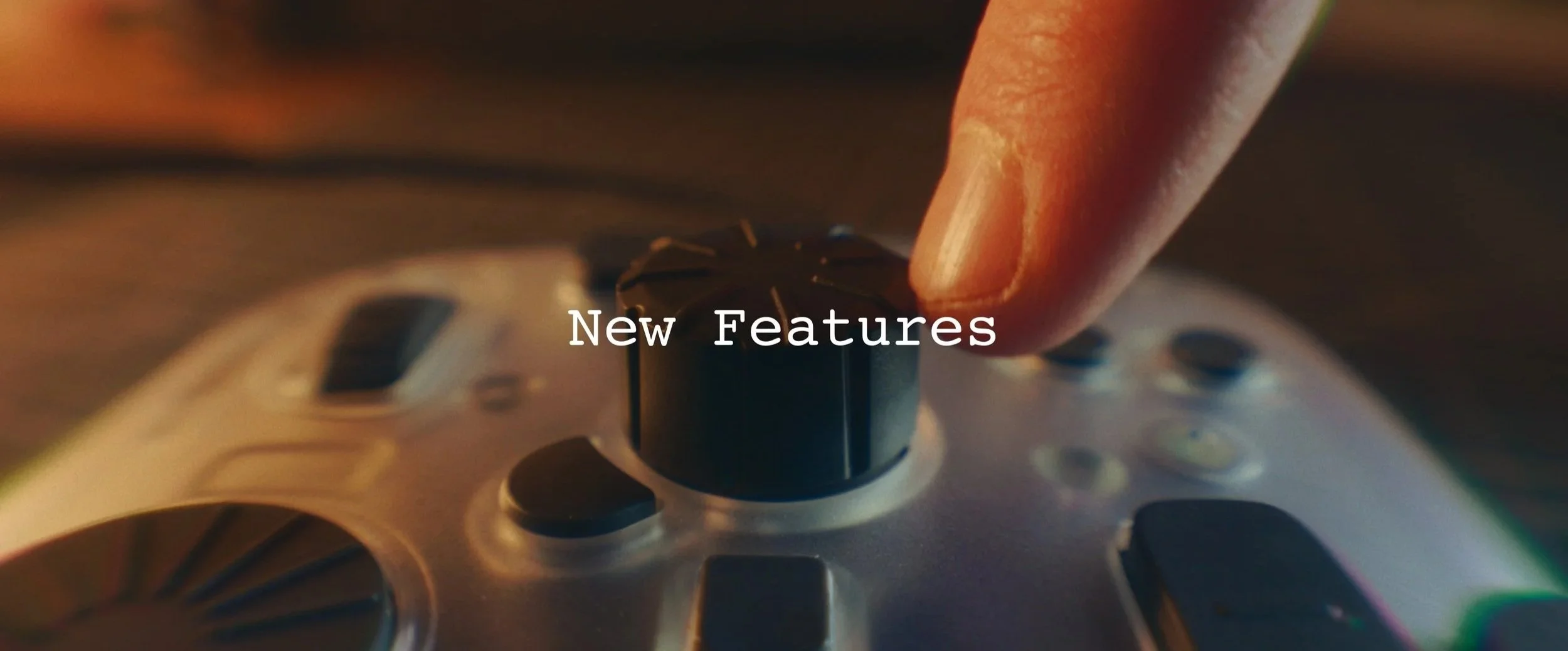
New Features in the Elite Plus Since this is the updated "Plus" model, there are specific improvements worth noting right away:
Improved Haptics: The haptic feedback system has been refined to give a more distinct physical sensation when you scroll through menus or adjust sliders, helping you know exactly where you are in the interface without looking .
iPad Integration: It now has full integration with iPadOS, meaning you can use it for mobile photography workflows or drawing apps like Procreate .
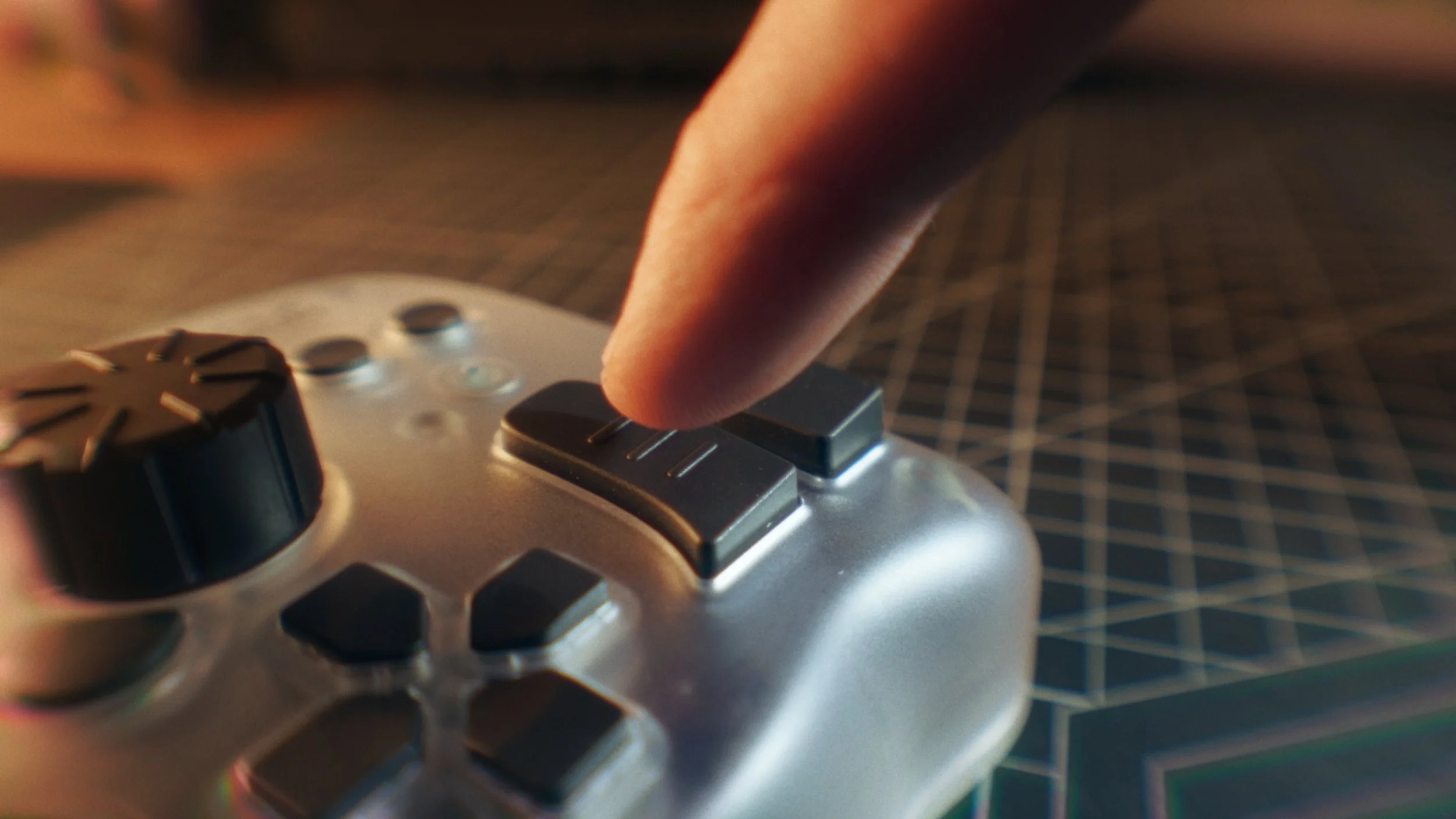
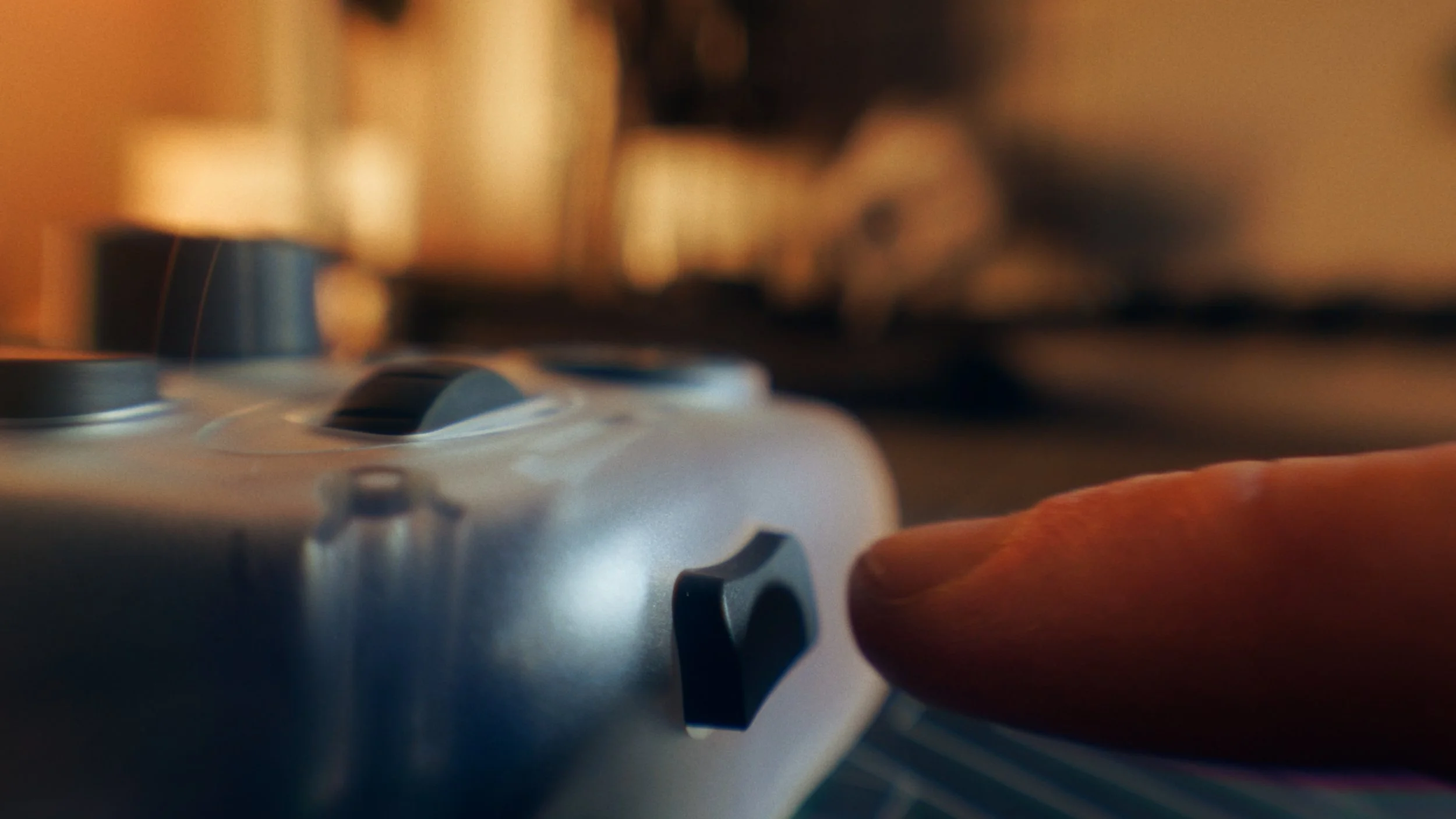
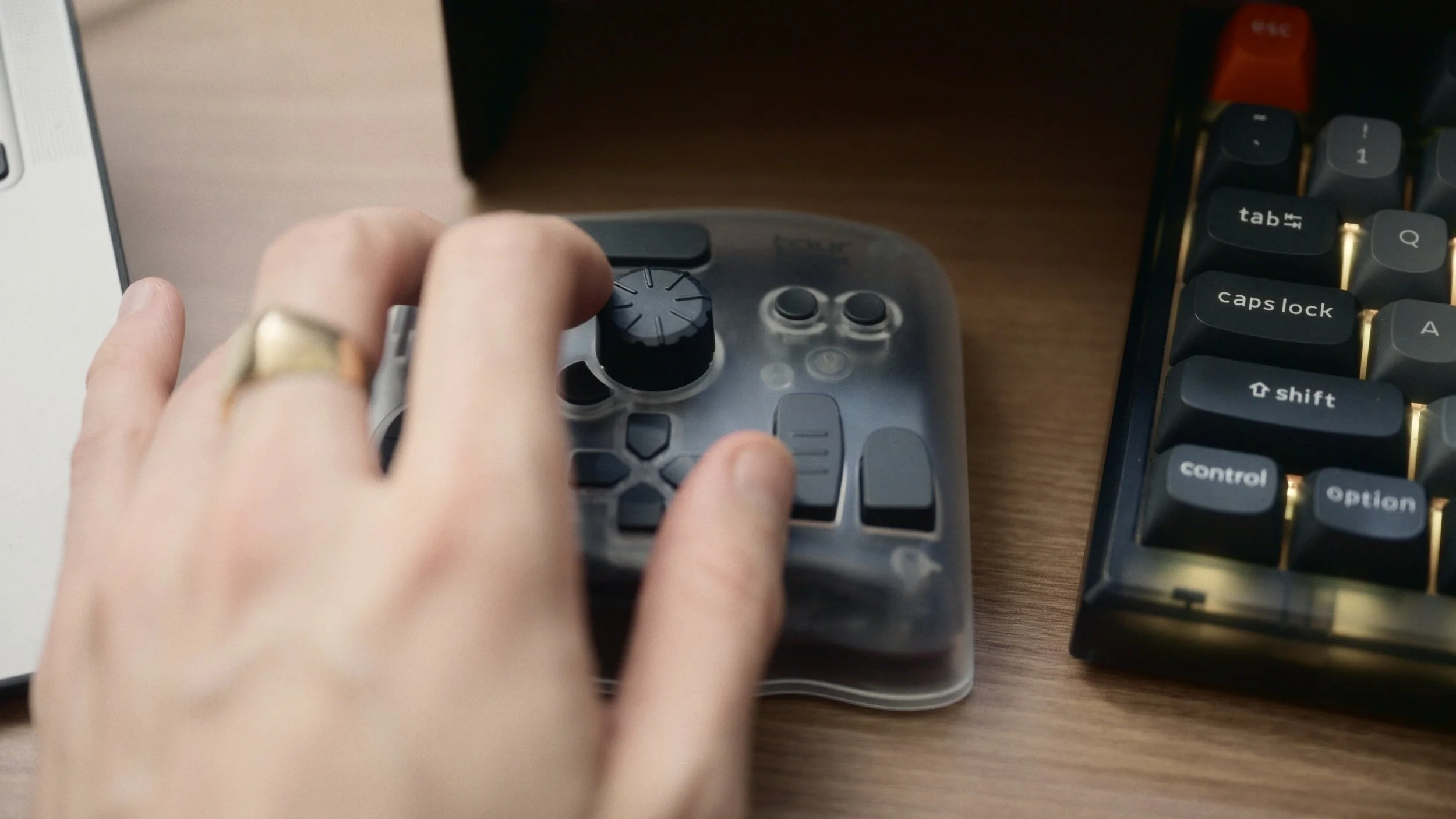
Hardware Design: They introduced a Translucent (Clear) case which pays homage to 90s tech aesthetics . Crucially, this new material features an anti-fingerprint coating, solving the issue of greasy smudges accumulating during long editing sessions .
Connectivity: The Bluetooth connection is dual-channel and extremely stable, allowing for instant switching between two devices (like a Mac and an iPad) with zero latency .

Technical Specifications
For those who want to know exactly what they are getting before committing, here is the breakdown of the TourBox Elite Plus:
- Dimensions 116mm x 101mm x 44mm (Palm-sized)
- Weight 376g (Solid and heavy enough to stay planted on the desk)
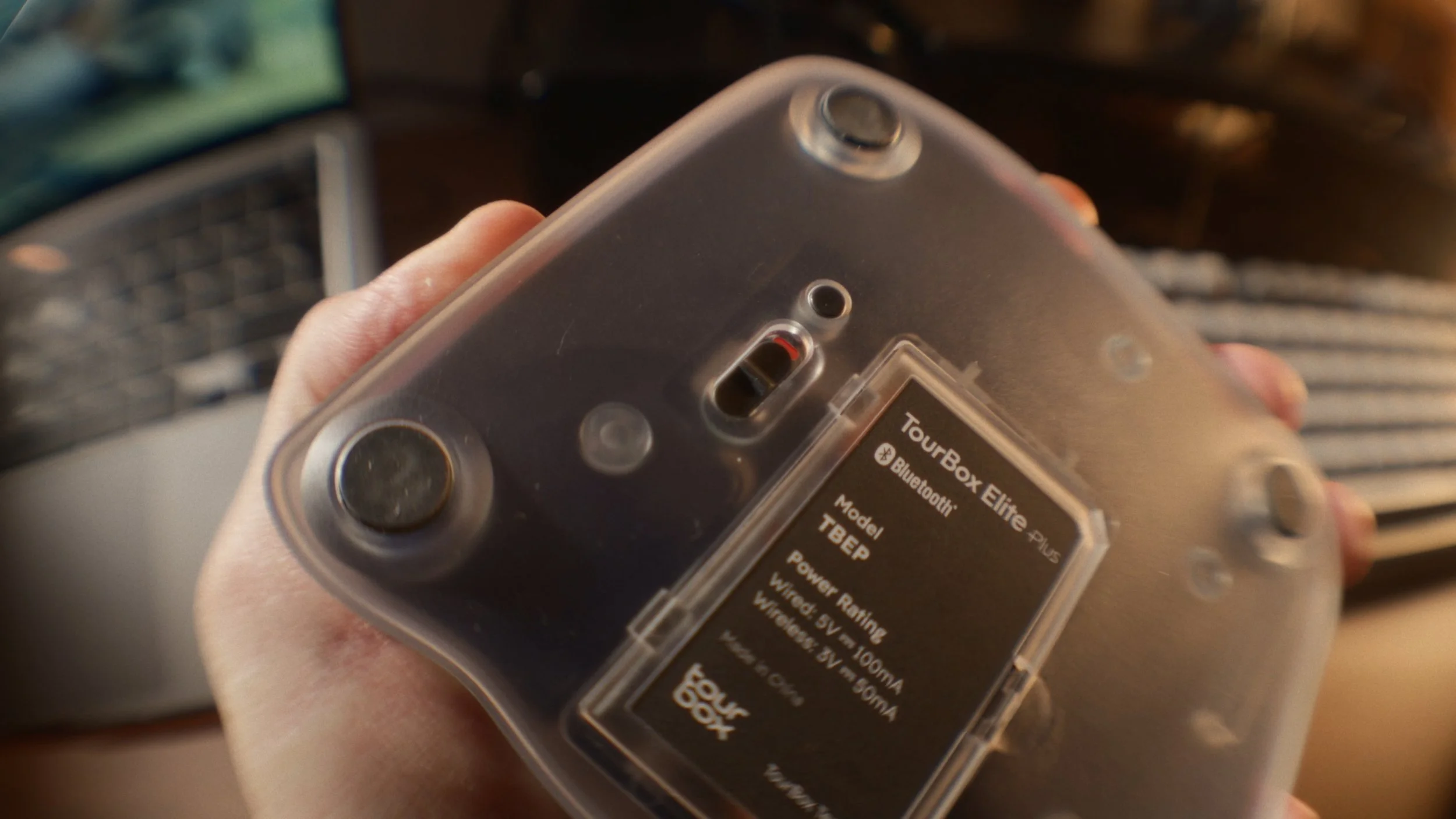
- Connectivity Dual-Channel Bluetooth 5.0 (Connect 2 devices simultaneously) & USB-C Wired
- Power 2x AA Batteries (Included) or USB-C power
- Haptics Wide-band vibration motor with customizable intensity
- Compatibility macOS 10.13+, Windows 10+, iPadOS (Bluetooth only)
- Material Fingerprint-resistant coating (Translucent version is uncoated)
A Note on Power: Why I Prefer AA Batteries
You might notice in the specs that this device runs on 2 AA batteries. I actually prefer this over a built-in rechargeable battery. With internal lithium batteries, the device eventually dies or the battery degrades over a few years, forcing you to keep it plugged in. With AA batteries, the TourBox is always "fresh." If it dies, I just swap them out in seconds and I'm back to 100% instantly. It ensures the device will last for years without battery degradation issues.
Price & Value
Let’s talk numbers. The standard price for the Elite Plus is around $297, but I picked it up on sale for $252. It is certainly an investment, but when you consider how much time it saves on every single edit, the value becomes clear for professionals.
You can check it with more details here: https://www.tourboxtech.com/en/tourbox-elite-plus/
Honest Feedback:
The Cons:
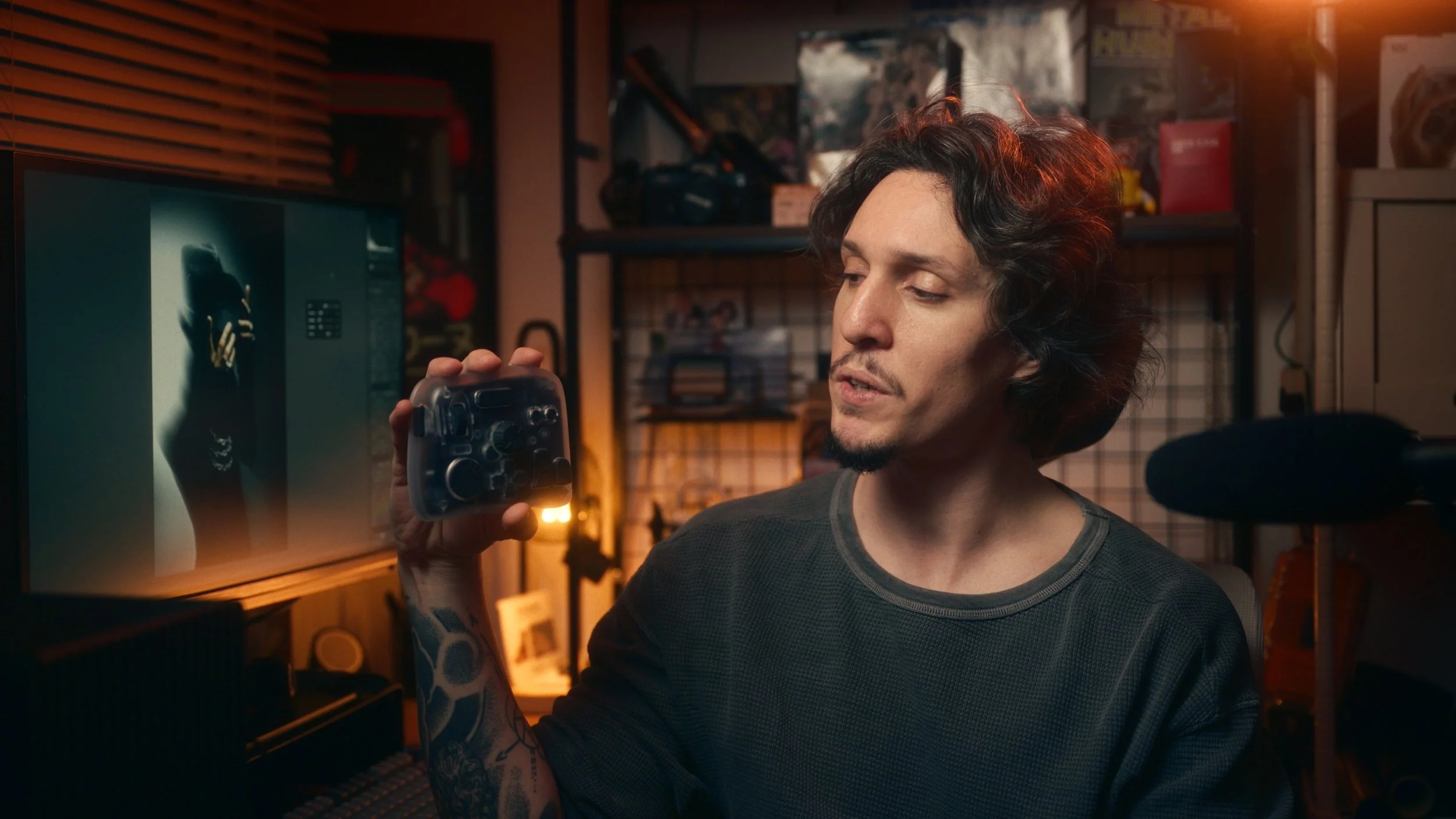
They sent me this unit and told me I was free to say whatever I wanted, so let’s be real about the things that could be better.
- Dial Stiffness: The dials are very loose. While the haptic feedback helps simulate resistance, I would like to have more mechanical stiffness, similar to the focus ring on a camera lens. That would be the ultimate feedback experience.
- The "Tour Button" Limitation: I wanted to use the "Tour" button as a modifier key (like holding "Option" on a keyboard) to check sharpness while turning a knob. Currently, pressing it triggers a menu overlay instead. I’ve told the team, and they are looking into it, it's a small detail but something I use often.
- Visual Dependency: For curves and split toning, I still need the visual panel. The dynamic panel doesn't quite replace the need to see the curve graph on the right side of Lightroom, so for that specific 20% of my work, I still rely on the traditional interface.
The Pros:
Despite those small gripes, the positives heavily outweigh them.
+ Portability & Design: It’s small and comes with a travel bag. I love that 90s tech aesthetic with. the clear case. It looks unique and doesn't show greasy fingerprints after a long session.
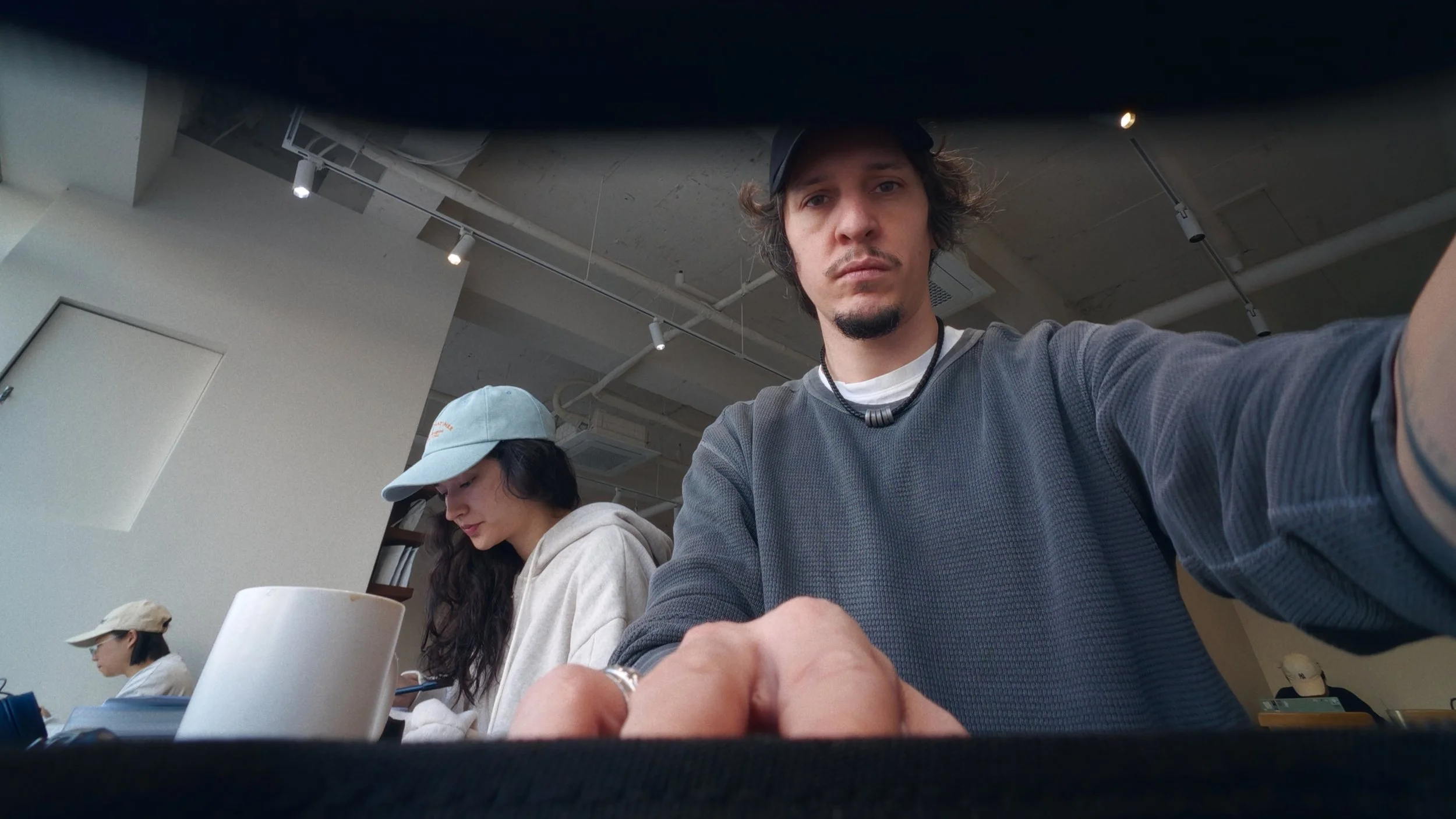
+ Connectivity: The Bluetooth connection is flawless. Living in Korea, I often work in cafes, and I can switch the device between my MacBook and my iPad instantly. It pairs immediately with no lag.
+ iPad Integration: Speaking of the iPad, it works great there too. While it’s often marketed for drawing apps like Procreate, it fits perfectly into a mobile photography workflow as well.
+ Stability: It’s surprisingly heavy. That sounds like a bad thing, but for a desk controller, it is perfect. You can spin the knobs aggressively, and the device stays planted without sliding around.
+ Customization: The software is well designed, easy to use, and makes us customize anything we need! Perfect to make it match your whole ecosystem.
Final Thoughts I don’t review things I don’t actually use. I was skeptical about whether this would just be a gimmick, but the "vibe editing" it provides is real. It brings a bit of fun back into the culling and editing process. If you edit hundreds of photos and want to save time while feeling more connected to your work, almost like you are touching the photo itself.
I definitely recommend it if you have the budget for it!